NU Honours 3rd Year Result 2026: Check Result by Roll Number
Welcome to the Honours Result Portal for 3rd Year Exam. This website helps you access the result for 1st, 2nd, 3rd and 4th Year Exam. To check your result, select your exam and enter your roll number and click on "View Result" button. The merit status will be displayed shortly.
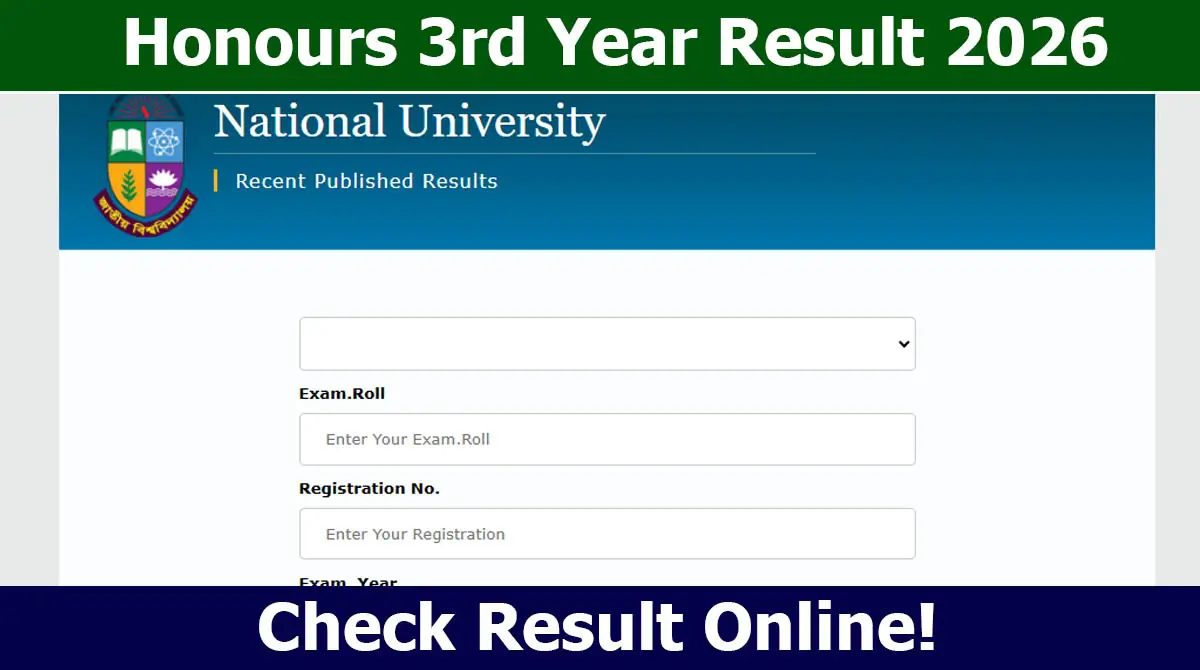
How to Check Honours 3rd Year Result By Roll Number
The candidates who appeared on the National University NU Honours 3rd Year Exam, can easily check their result. Candidates do not need to manually search through long merit lists on the official website. Follow these instructions carefully to get your official merit status.
Select Your Exam Name
First, select the exam you participated under National University. Select from the examination dropdown menu.
Enter Roll Number
Type your Roll Number accurately as printed on your Admit Card.
Click View Result
Click on the “View Result” button to proceed. Your result will be shown based on the official published data.
Print Result Slip
If you are selected, your merit position will be displayed. Use the Print button to save your merit status.
Honours 3rd Year Exam 2026
This year, over 3 lakh candidates from all over the country participated the Honours 3rd Year Exam.
According to the routine, the exam was started on December 11, 2025 and ended on February 1, 2026. Candidates who took part in the exam, now waiting for the result.
Once the result is published, candidates can check them online and via SMS.
NU Honours 3rd Year Result 2026
Generally, National University is publishes the exam result within or after 90 days of the exam. Most recently, the result was published within 65 days.
The Honours 3rd Year Result will be published soon after completing the evaluation process. Then, candidates can check their result easily through the official website and also from allresultnet.com.
To check the result, they must enter their Exam Name, Roll and Registration Number, and Exam Year. The GPA with Marksheet will be displayed on the screen after clicking on the "Submit" button.