NEIR BTRC IMEI: How to Verify Mobile Registration in Bangladesh (জানা-অজানা বিস্তারিত তথ্য)
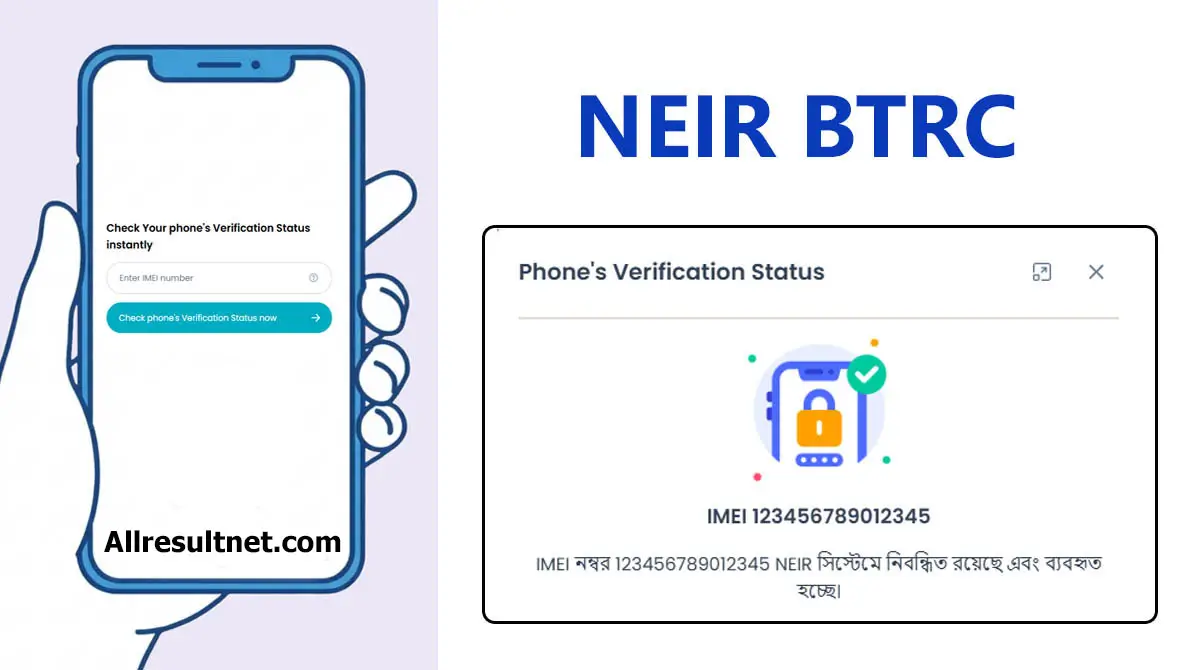
Do you want to know if your phone is official or unofficial? You can check your handset status using the official NEIR BTRC system. You will need to input your IMEI Number on the website. Then, detailed information will be displayed on the screen.
The Bangladesh Telecommunication Regulatory Commission launched the National Equipment Identity Register (NEIR Check). Protecting the mobile landscape of Bangladesh through centralized handset verification. You can verify your mobile authenticity through the official NEIR system available on the BTRC website (neir.btrc.gov.bd).
Established by the Bangladesh Telecommunication Regulatory Commission (BTRC), the National Equipment Identity Register is a central database designed to ensure every mobile handset in Bangladesh is legally accounted for. By linking the International Mobile Equipment Identity (IMEI) with the subscriber’s SIM identity, the system ensures a secure mobile ecosystem for all citizens.
How does the NEIR BTRC System Work?
The NEIR system operates through a sophisticated synchronization between the central BTRC database and individual Mobile Network Operators (MNOs).
How to Check NEIR Mobile Registration Online (IMEI Method)
Checking your handset status online is the most comprehensive way to verify registration details. The online portal provides detailed information regarding:
How to Check NEIR Status Without Registration
Nier Check via SMS (16002)
The SMS method is available 24/7 and does not require an active internet connection.
After sending the SMS, Neir BTRC will send a reply SMS with the phone’s status. If the phone is already registered on the BTRC Database, there is no need to worry. Otherwise, the authority will send you detailed instructions to fix the issue.
Why NEIR Matters for Mobile Users in Bangladesh
Revenue Protection and Legal Device Tracking
Ensures all imported devices are subject to government duties, preventing the loss of national revenue from smuggled handsets.
Improving National Mobile Network Safety
Prevents cloned and counterfeit devices from being used in criminal activities, facilitating better digital oversight and safety.
Protection Against Lost or Stolen Devices
Allows owners to blacklist lost or stolen devices instantly, rendering them unusable across all operators in Bangladesh.
Support for the Legitimate Mobile Industry
Encourages local handset manufacturing by protecting legitimate businesses from illegal, duty-skipped imports.
NEIR Device Verification Status Explained
According to the latest updates, the BTRC categorizes devices into three statuses:
Verified Devices
Devices found in the BTRC database as legally imported. These enjoy full, permanent network access.
Temporary Status Devices
Devices are active but missing from the database. Users receive a grace period to complete manual registration.
Blocked Devices
Handsets reported as stolen, cloned, or smuggled. These are prohibited from connecting to any network.
NEIR IMEI Check – Frequently Asked Questions (FAQs)
Disclaimer: This website is an independent informational platform. It is not affiliated with, endorsed by, or operated by the Bangladesh Telecommunication Regulatory Commission (BTRC) or any government authority.